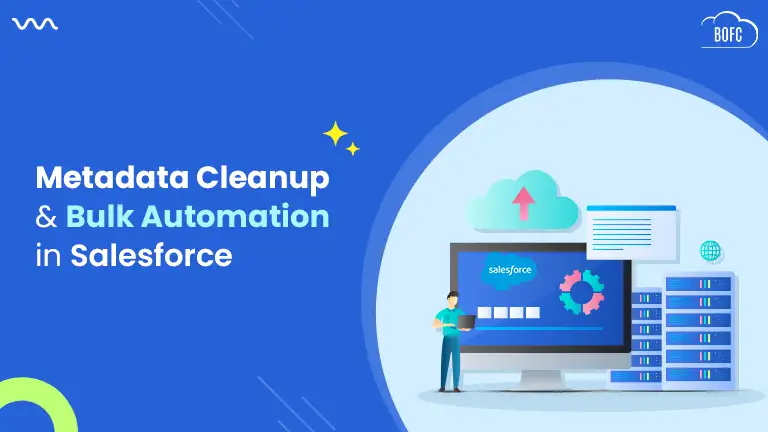
The holiday season is all about merry times with family & friends. But does it also mean piling up work, putting time-consuming metadata tasks on the back burner & fighting for time to complete priority tasks before the holidays begin? This sounds like you’re creating a serious problem for your post-holiday time—work piles. Well, we have a solution to make the metadata work of Salesforce admins or developers easy-peasy lemon squeeze so that you can wrap up your workload before you begin wrapping holiday gifts. Try Bulk Object Field Creator (BOFC), the world’s #1 application for Salesforce metadata operations, that saves time & facilitates insightful decision making.
BOFC is here to revolutionize the way you carry out your bulk Salesforce metadata Operations, which otherwise can be tedious & monotonous. Scroll down to know how.
1) Bulk Field Creation
Need to create 10000 fields in your Salesforce org? This can easily take up weeks and, of course, there’s no chance to spare that kind of time during the insane holiday season.
BOFC helps you save your time by allowing you to add these 10000 fields or even more in just a few clicks. And not just fields, you can add validation rules, permission sets, assignment rules super quick & easy.
2) Bulk Export Operations
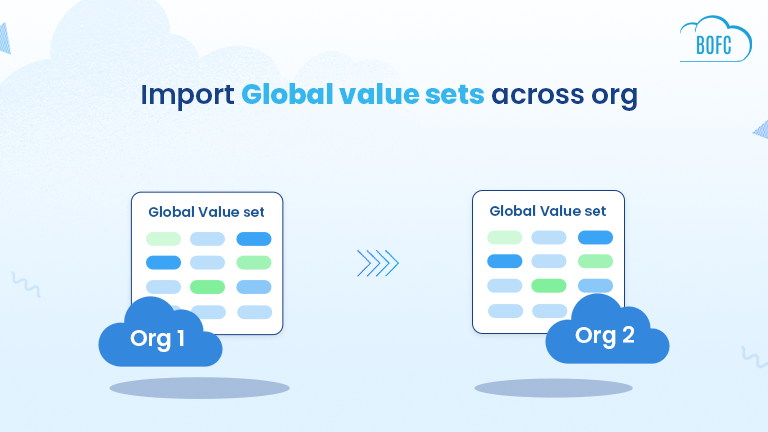
In Salesforce, developers often need to export fields, objects, permission sets & other metadata types to your system to create reports and share information with people who do not have access to the org. Using the standard process, you can only export by copying each field, object, etc. from the org one by one. But with BOFC, you can simply select metadata in BULK and export it (in XLS format) to your system or another org in a few clicks.
3) Compare Multiple Operations
How do you compare metadata between two different orgs? Does it require constantly switching between orgs? The standard way to compare metadata can be pretty long, requiring you to open every field, object, permission set, etc., in one tab, and the one you want to compare it with in another tab And if you have to compare the details of bulk metadata, then it can be insane. With BOFC, you can simply compare bulk metadata in a side-by-side view in the same org or simply export an XLS file.
4) Explore Salesforce Limits (Used, Remaining & Max)
We’re already approaching the year-end and the task of cleaning Salesforce org is right on the head. For this, Salesforce admins/developers constantly need to keep a track of Salesforce limits (used, remaining & max). With BOFC, you receive a holistic view of all your Salesforce limits with an XLS report, generated in a few clicks.
5) Find & Delete (In Bulk) Custom Field Reference In All Kind Of Reports
Finding a field amongst thousands in individual reports can be like finding a needle in a haystack. If you go on to find & delete every field manually, then this could occupy all your time & effort. However, not with BOFC, as it is designed to simplify all your metadata operations. Using BOFC, you can filter fields by object or field names, and select & delete multiple fields in Salesforce in one go.
BOFC is here to make not just your Christmas, but every day merrier by reducing your workload by many folds. No need to create insane work piles of metadata tasks when you can tick the task off your to-do list in a few clicks. To know more, connect with our experts.