Few Simple Steps to Install BOFC Application in Salesforce
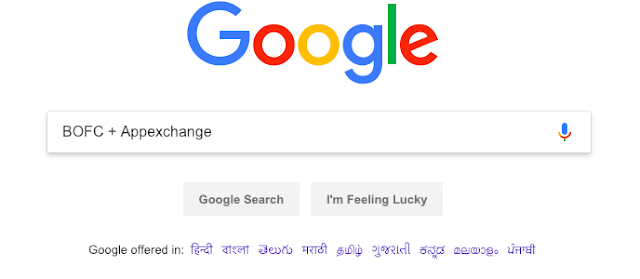
1. Open Google on any of your browser & Search “BOFC + Appexchange”
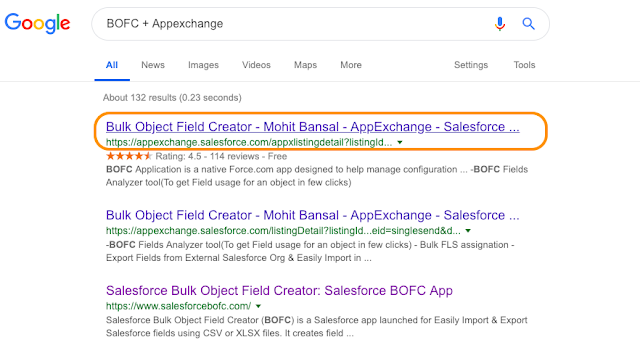
2. It will open below screen & click on highlighted link
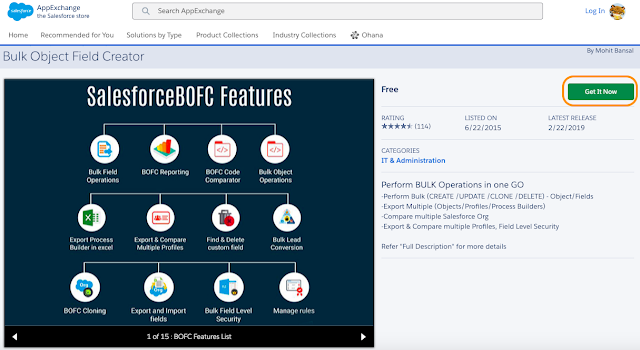
3. It will open AppExchange page of BOFC. Now click on “Get It Now“
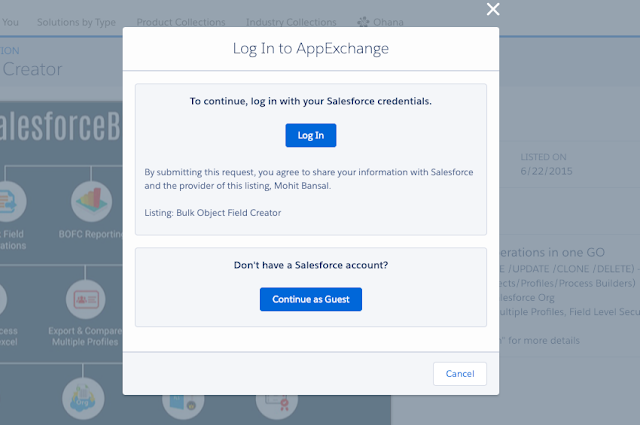
4. Choose if you would like to login on Appexchange with Salesforce credentials or do you want to create a new account. User can login with any developer account details. Click Log In (if you have details) and enter your login details.
5. On Successful login, it will ask whether we need to install package in Sandbox or Production (or developer) instance
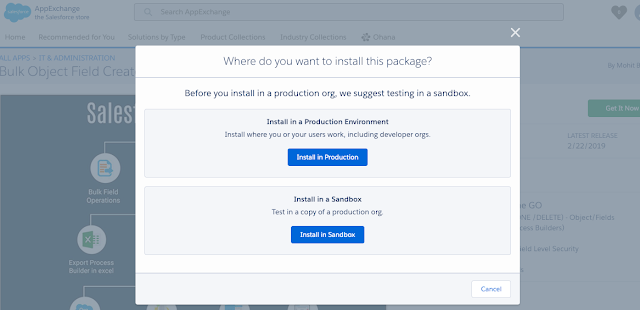
6. Once a blue button is clicked on above screen, it will ask you for final confirmation to install and will land to Salesforce login page of the org in which BOFC Application needs to be installed.
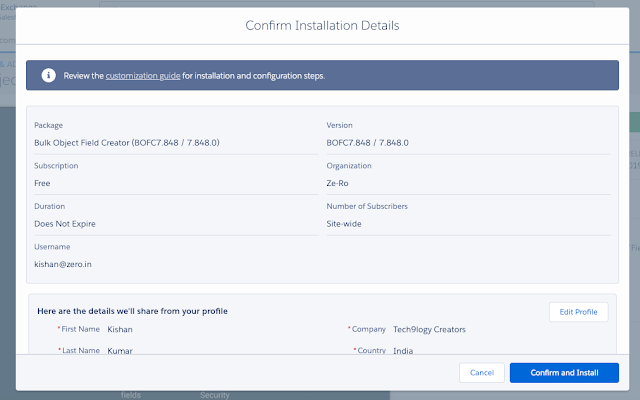
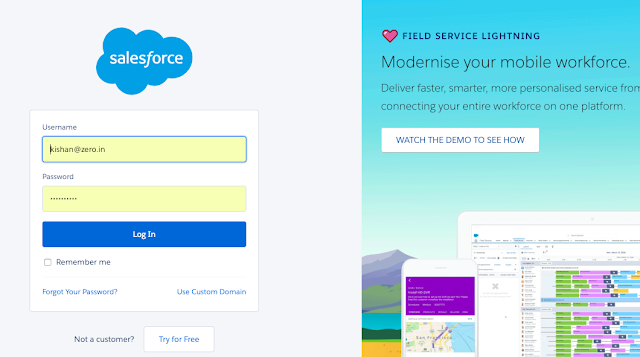
7. On Successful login to Salesforce, it will show below screen
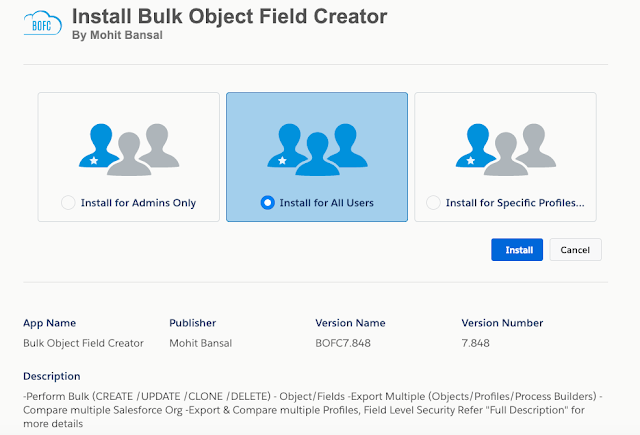
8. Click “Install” button and it will show a popup
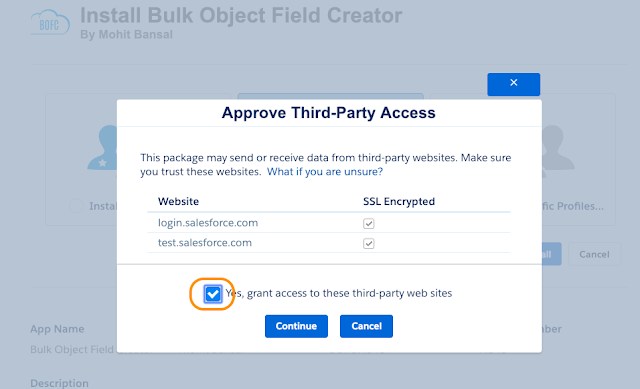
These are Salesforce login urls for sandbox or production (which are required when metadata API’s are required to be hit, depending upon user sandbox or production)
Check the highlighted box and click “Continue” and wait for application to be installed
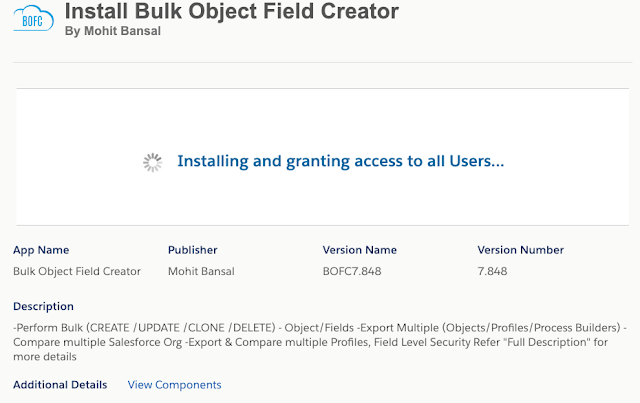
On successful installation, Salesforce will send an email to logged-in user for successful installation.
Have a look at step by step detailed video on “BOFC Application Installation Guide in any Salesforce Org”
******************************************************************************Have you started using BOFC yet? Thousands of BOFC users have been able to save time & boost productivity using our Salesforce Metadata app. Click here to install the latest version of BOFC application in your Salesforce instance & explore its complete benefits for you.
For any queries or suggestions, you can contact us at https://www.bofc.io/#contact or mail us: support@bofcapp.io. Our BOFC Expert will help you get the best out of it.