How to Manage Workflow Rules for Multiple Objects in Salesforce
Published: Apr 30 2026
Managing workflow rules in Salesforce sounds simple—until you have to do it across multiple objects.
What starts as a small task quickly turns into hours of repetitive work:
- Opening each object
- Editing rules one by one
- Manually updating configurations
If you’ve faced this, you’re not alone.
This guide shows you how to manage workflow rules across multiple objects efficiently, and how to reduce hours of manual work to just a few clicks.
The Real Challenge with Workflow Rules
Salesforce allows powerful automation through workflow rules—but managing them at scale is where things break down.
Common issues admins face:
- No native way to update rules in bulk
- Time-consuming navigation across objects
- High chances of manual errors
- Difficult to maintain consistency
👉 Example:
A Salesforce admin managing 25 objects with 5 workflow rules each must handle 125 individual updates manually.
That’s not scalable.
Can You Manage Workflow Rules in Bulk in Salesforce?
Short answer: No (natively).
Salesforce does not provide a built-in feature to:
- Update multiple workflow rules at once
- Export rules across objects
- Clone rules between objects
This is why admins rely on external tools or manual workarounds.
The Smarter Approach: Use BOFC
Bulk Object Field Creator (BOFC) simplifies Salesforce metadata management by enabling bulk operations across multiple objects from a single interface.
Instead of repeating the same steps, you can manage everything centrally—faster and with fewer errors.
What You Can Do with BOFC
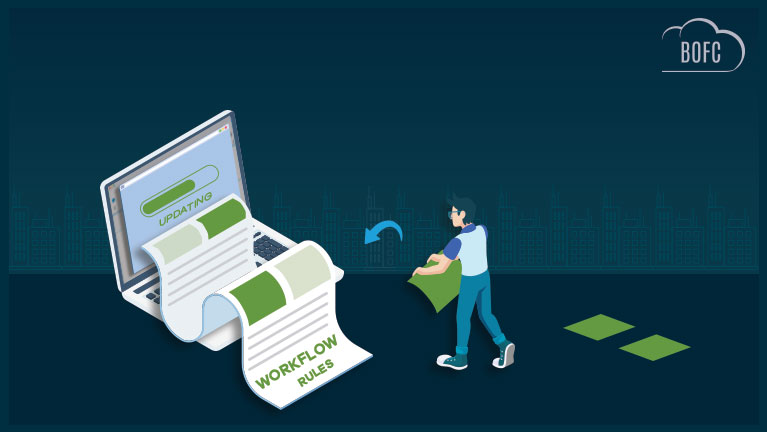
1. Bulk Update Workflow Rules
Modify multiple workflow rules in one go:
- Activate/deactivate rules
- Update descriptions
- Standardize configurations across objects
Here’s the ref Blog Link – https://bofc.io/how-to-update-multiple-workflow-rules-in-few-clicks-in-salesforce/
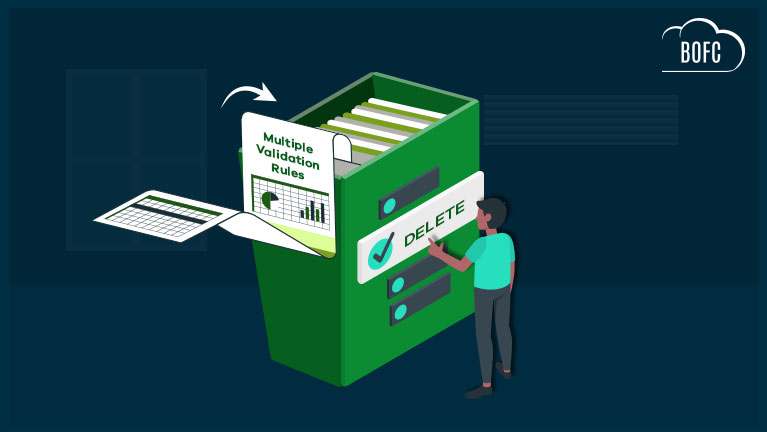
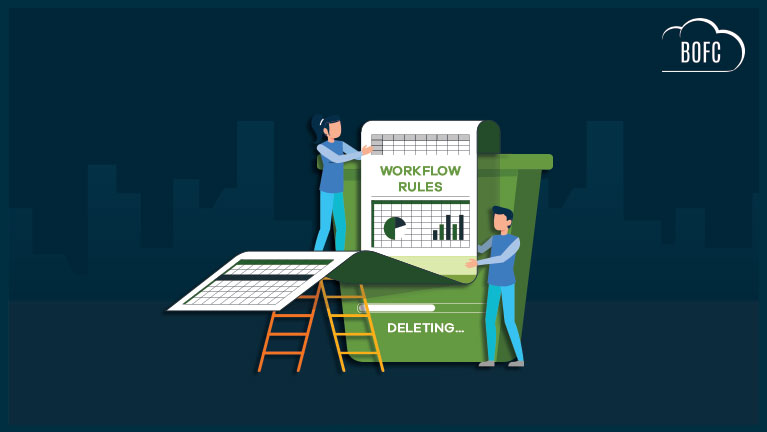
2. Bulk Delete Workflow Rules
Remove outdated or duplicate rules quickly—without opening each object individually.
Here’s the ref Blog Link – https://bofc.io/how-to-delete-multiple-workflow-rules-in-few-clicks-in-salesforce/
3. Export Workflow Rules Across Objects
Download workflow configurations for:
- Documentation
- Audits
- Migration planning
Here’s the ref Blog Link -: https://bofc.io/how-to-export-multiple-workflow-rules-of-multiple-objects-in-few-clicks-in-salesforce/
4. Clone Workflow Rules Instantly
Replicate rules (with actions) across multiple objects in seconds—ensuring consistency across your org.
Manual vs BOFC: A Quick Comparison
| Task | Manual Process | With BOFC |
|---|---|---|
| Update rules | One by one | Bulk update |
| Delete rules | Navigate each object | Single action |
| Export rules | Limited | Full export |
| Clone rules | Recreate manually | One-click clone |
| Time required | Hours | Minutes |
Key Benefits of Using BOFC
- Works with Standard & Custom Objects
- Perform actions on single or multiple rules
- Manage multiple objects simultaneously
- Clone rules with all associated actions
- No coding required
- Saves hours of repetitive work
Final Thoughts
Managing workflow rules manually might work for small orgs—but it doesn’t scale.
As your Salesforce environment grows, so does the complexity.
Using a tool like BOFC helps you:
- Eliminate repetitive tasks
- Improve efficiency
- Maintain consistency across objects
In short: work smarter, not harder.