
Dev Studio : Native Salesforce IDE With CLAUDE AI
Ship Salesforce Code Faster, Right Inside Your Org
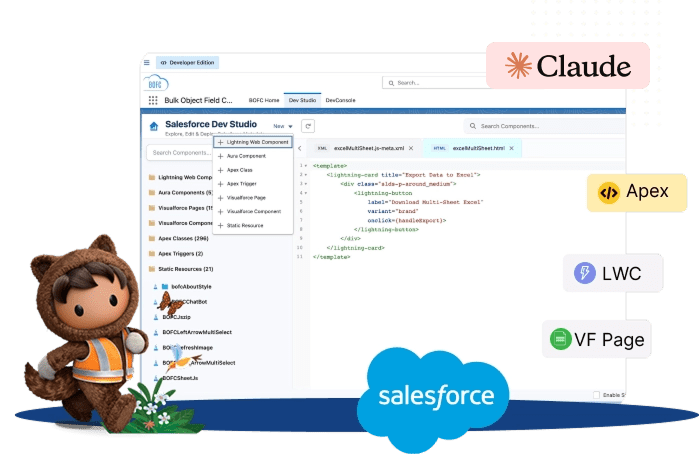
Stop fighting local IDEs and CLI setup. Build and edit LWC, Aura, Apex, Triggers and Visualforce right inside your Salesforce org, and ask Claude to write, fix or explain code where your codebase already lives.

Installs
Trusted by Salesforce admins, developers and consultants worldwide.
AppExchange Rating
Over 3,000 verified customer reviews from Salesforce Rangers and MVPs.
Countries Worldwide
Helping Salesforce teams work faster across the globe.
Faster Deliveries
Accelerate multi-sandbox rollouts and eliminate tedious manual configuration.
Your org is the editor
Edit Salesforce code without leaving your org
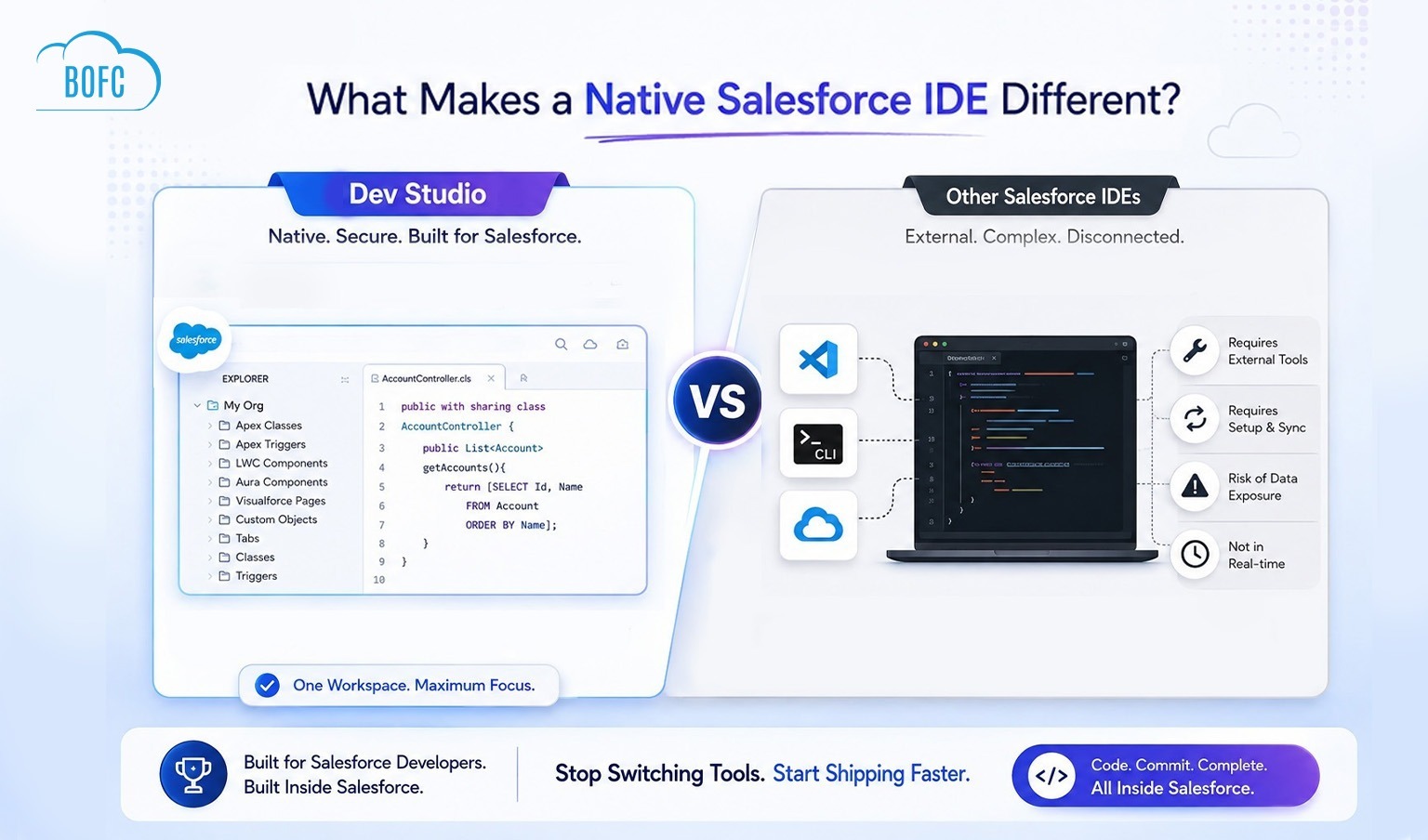
Dev Studio is a native Salesforce IDE that works inside your org. Skip the local install, the CLI authentication, and the push and pull.
Lightning Web Components
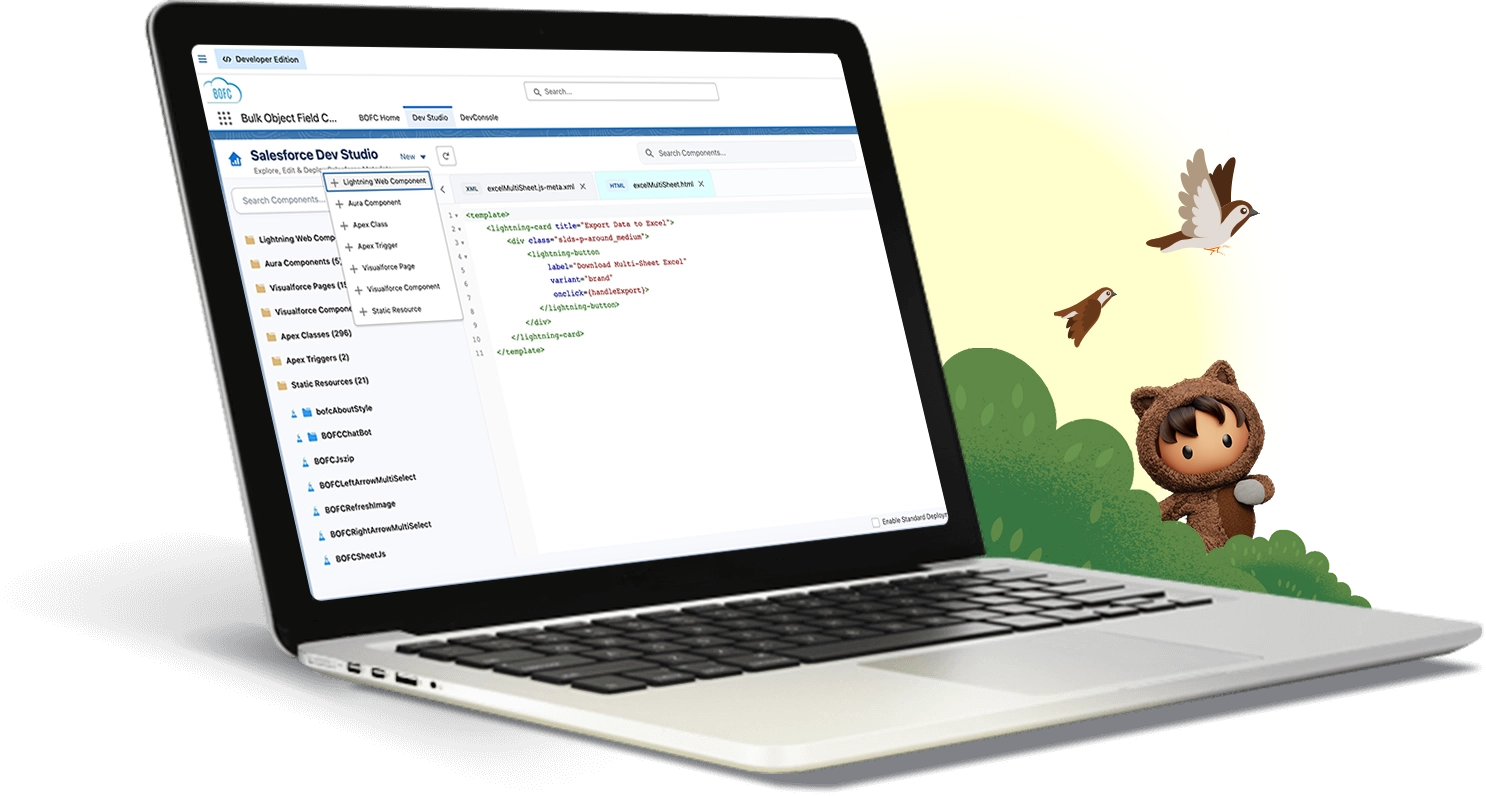
Edit HTML, JavaScript, CSS, and XML in one bundle. Clone it in one click.
Aura Components
Work on the controller, helper, style, and markup in one editor, without leaving your org.
Apex Classes
Browse, write, and edit classes, and save changes directly to your org.
Apex Triggers
See every trigger in one list and edit it without opening Object Manager.
Visualforce Pages
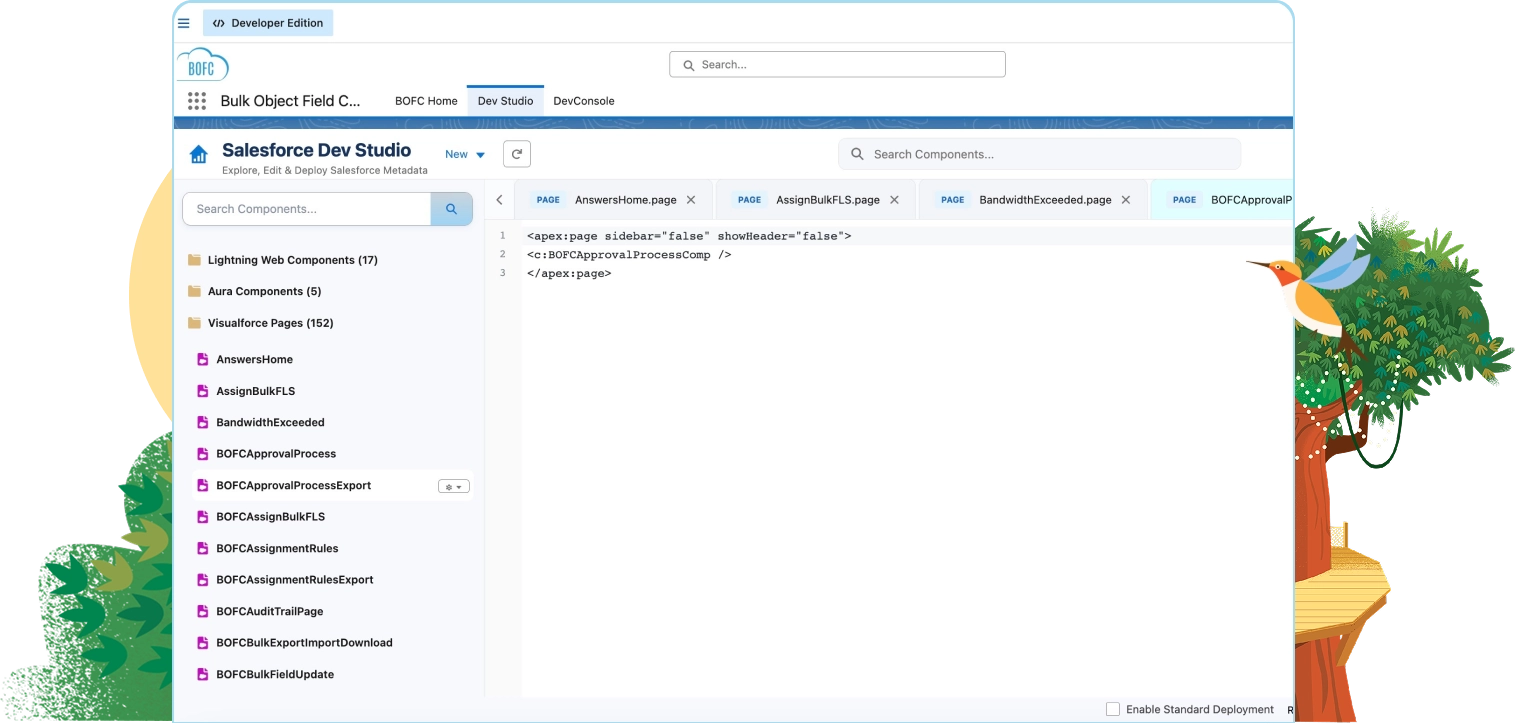
Manage your pages in one searchable library, and delete the ones Lightning replaced.
Visualforce Components
View, create, edit, and delete components in the same searchable library as your pages.
AI-enabled Dev Studio
Write, fix, and explain Salesforce code with Claude
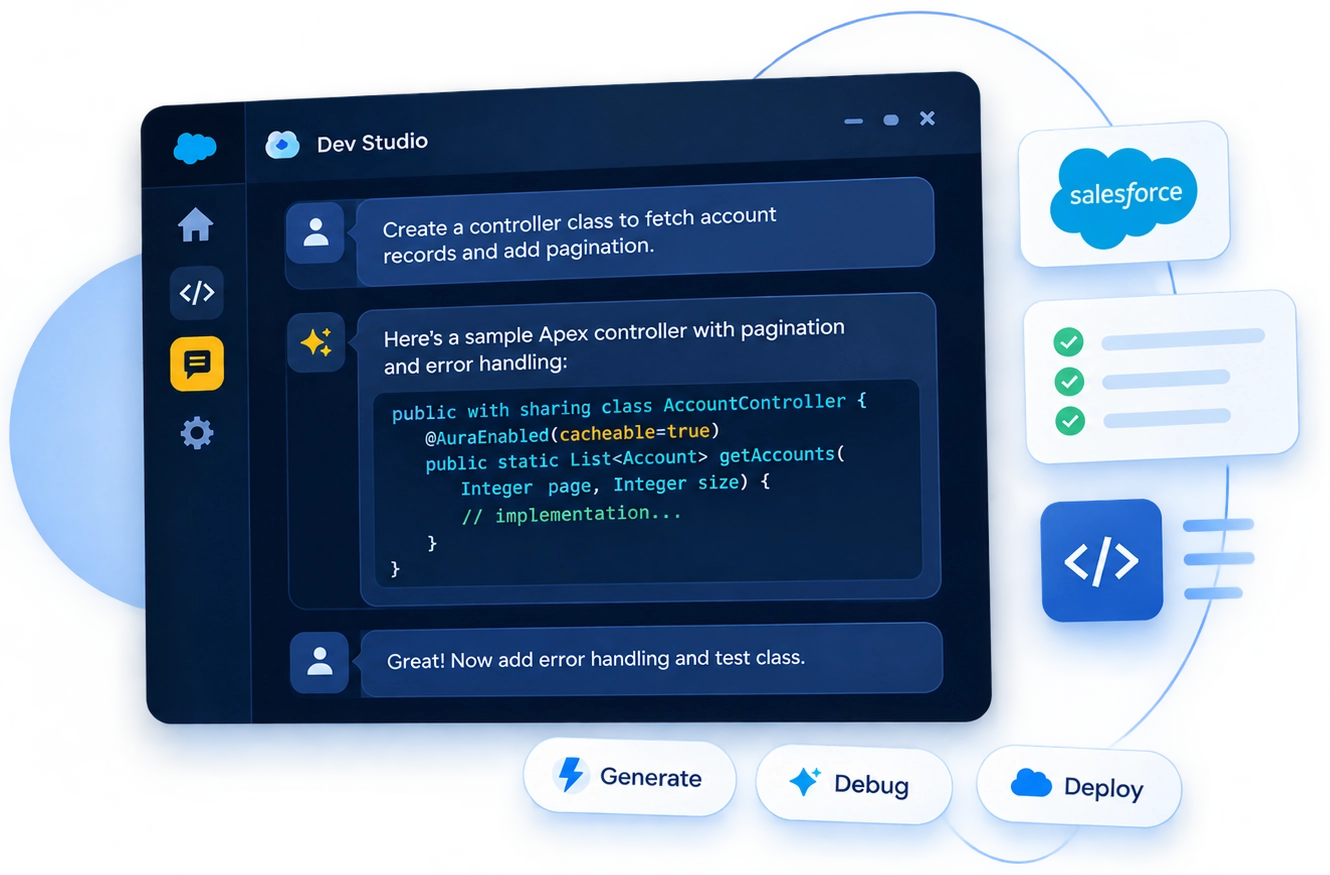
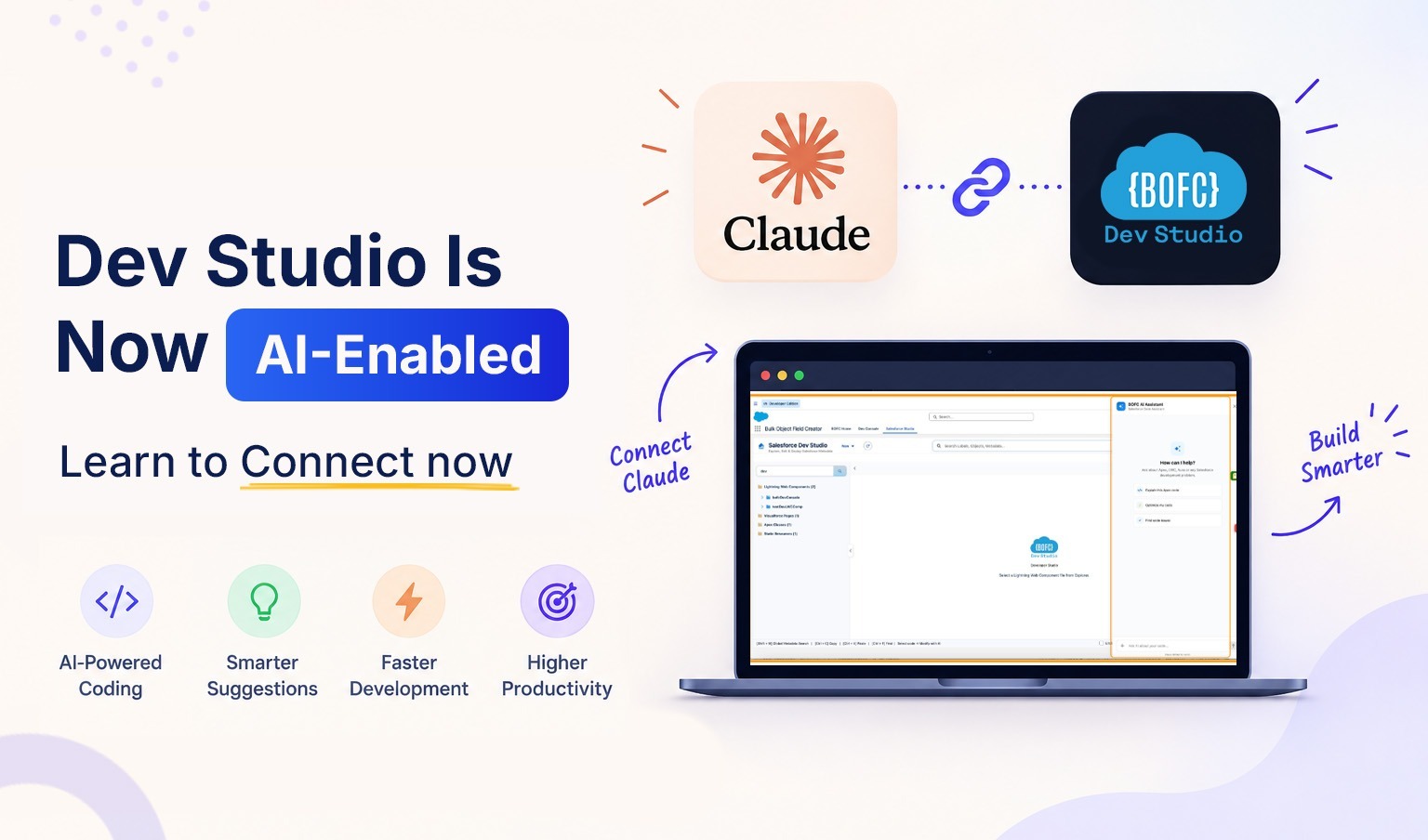
Link your own Anthropic API key, then ask Claude for help in the same window where you edit code. Claude reads context from your editor, and every change it suggests shows a diff preview that you confirm.
- Write LWC, Aura, or Apex from a plain-language prompt
- Ask Claude to explain any class or trigger you didn’t write
- Ask Claude to find and fix errors in the file you have open
- Ask Claude to add comments to your code
- Bring your own Anthropic API key. Requests go to the Anthropic API and are billed by Anthropic, with no extra BOFC charge.
Still struggling with IDEs and extensions to manage your Salesforce code?
Code not syncing properly back to Salesforce?
Forgetting which local changes need to be pushed?
Getting bogged down by legacy, multi-step IDE processes?
Constantly checking with the team about branch conflicts?
Missing manual code retrieval steps?
Battling local CLI or Node.js configuration issues?
Facing stubborn VS Code org authentication errors?
Living with the constant fear of overwriting work?
Dev Studio takes the local setup out of Salesforce coding

No Local Setup:
No local install, no CLI authentication, and no sync cycle to manage.

Saves Straight to Your Org
Changes save directly to org in real time, with no push, pull, or deployment step.

Runs in Your Session
Your Salesforce security applies. Your code stays in your org.
No CLI. No Node.js. No sync. Just code.
Apex & Triggers
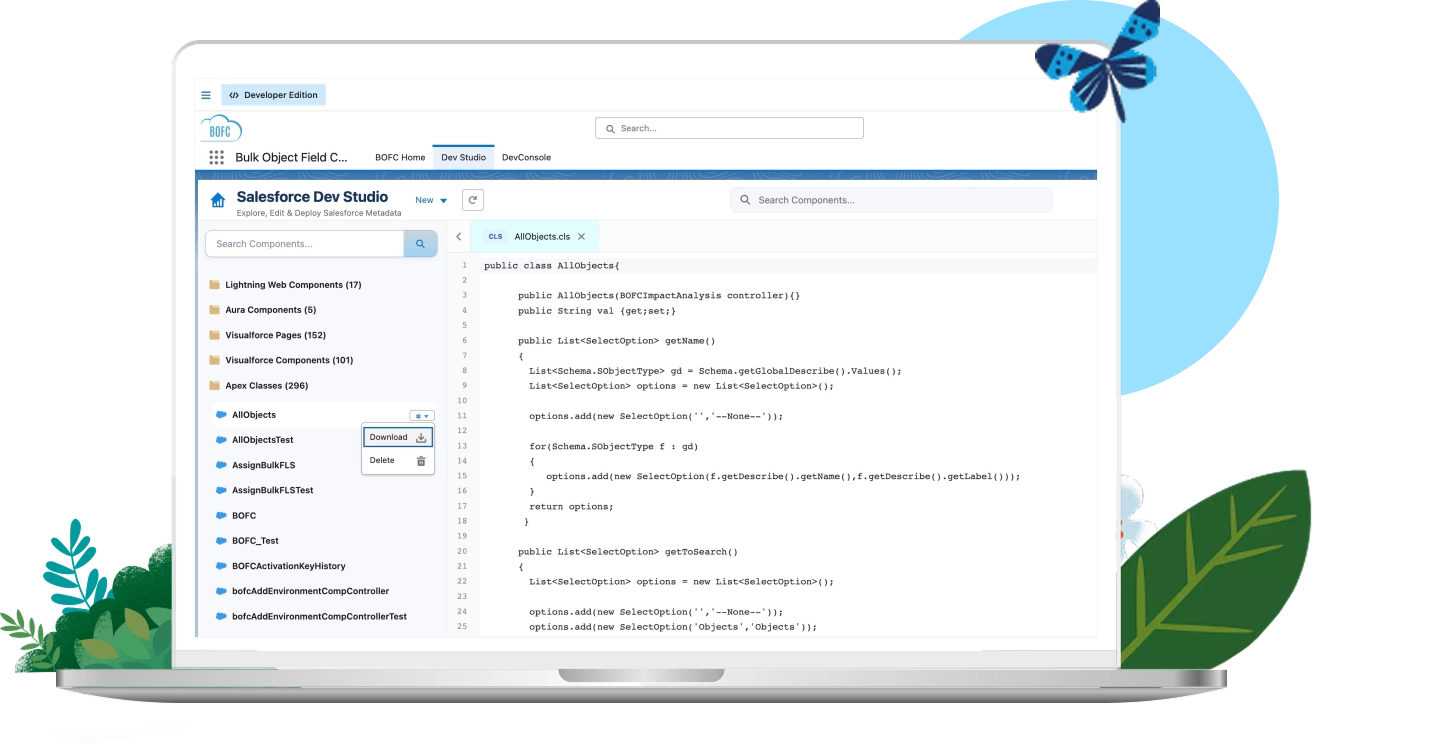
Edit Apex code without ever leaving Salesforce
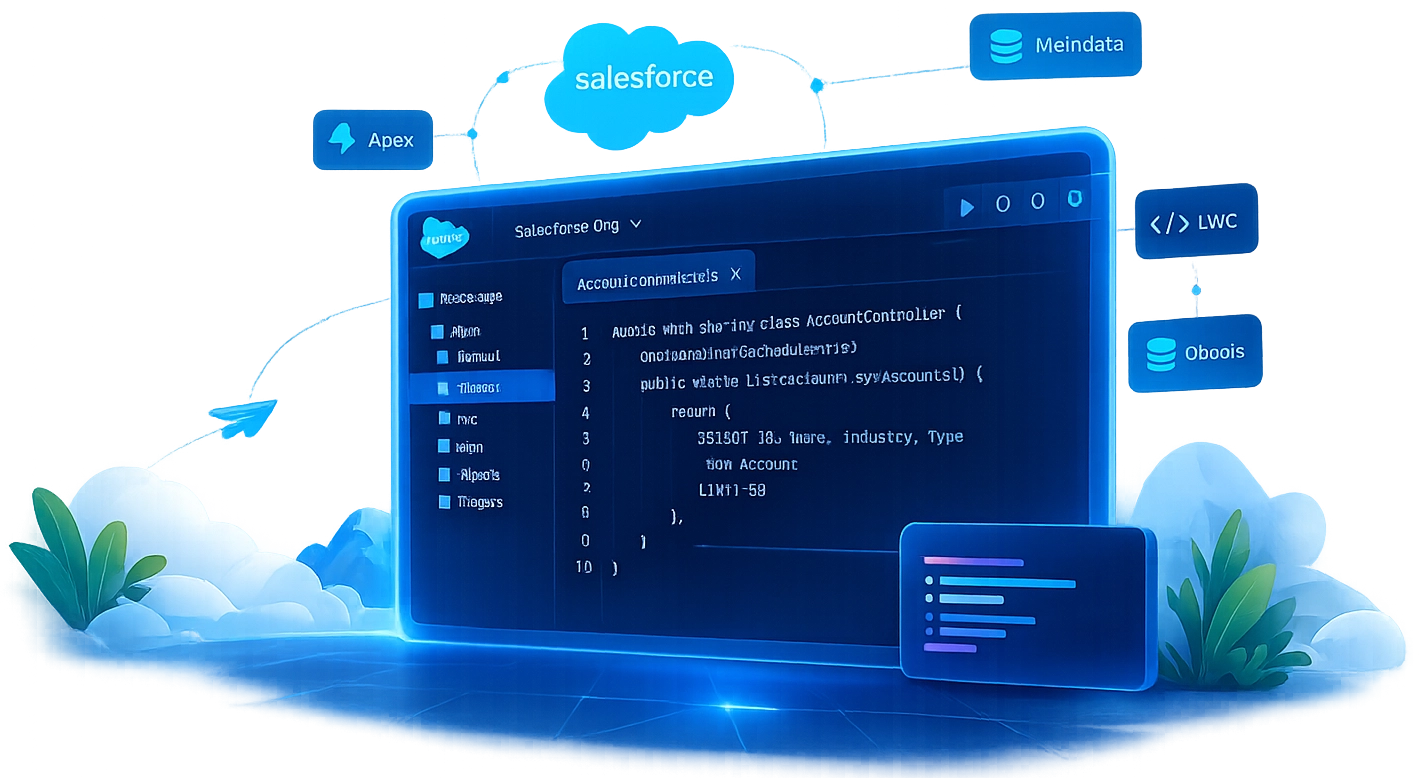
- Full support for Apex Classes and Triggers
- Changes save directly to the Org in real time
- No Object Manager hunting for trigger logic
LWC & Aura
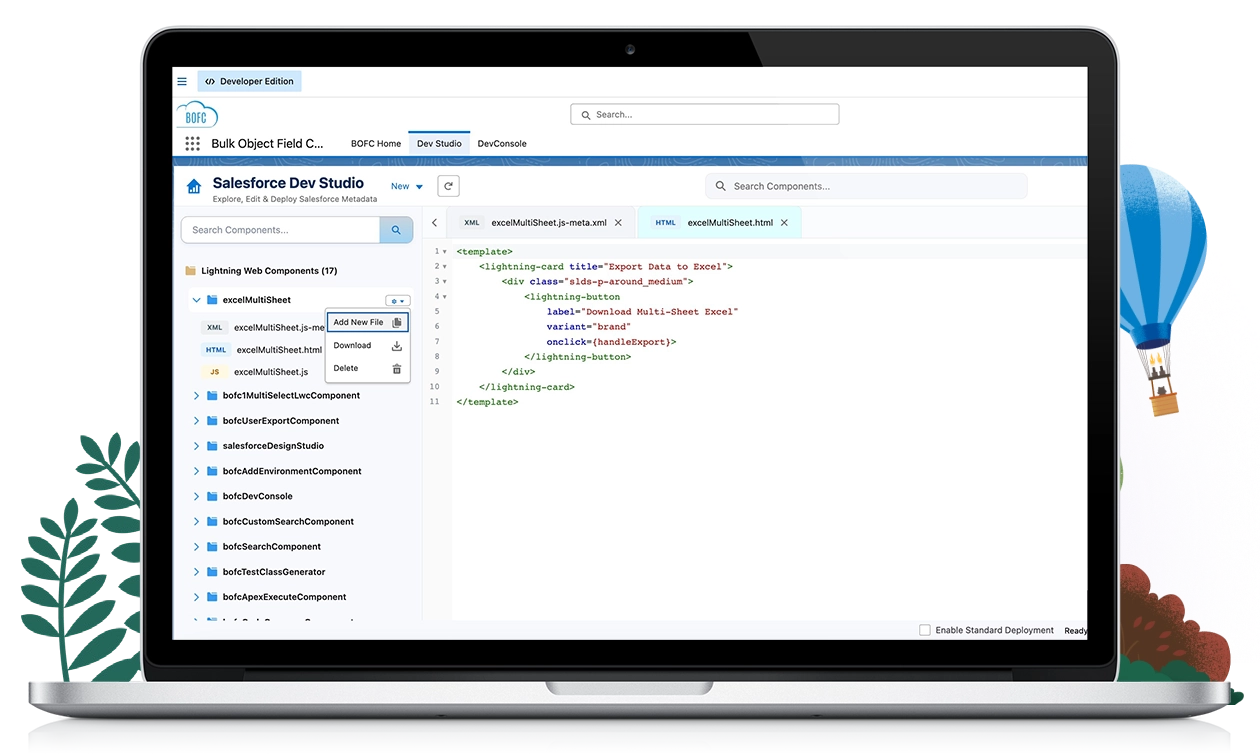
Build components live, against your real Org
- HTML, JS, CSS, and XML in a single editor
- Component tree navigation across LWC and Aura
- No context-switch to VS Code to see the change land
Visualforce
Manage Visualforce without the Setup-menu maze
- Full Visualforce Page and Component support
- One searchable library instead of scattered Setup links
- Clean deletion path for pages Lightning has replaced
Static Resources
Manage Static Resources without the Setup-menu maze
- Full Static Resource support
- Search every resource from one place
- Quickly identify and remove unused assets
Built for daily Salesforce coding
Ready to stop fighting local IDEs and code straight in your Salesforce Org?
Save Setup Time
Skip local installs, CLI auth, and extension updates. Open BOFC and start writing code.
Find any file fast
Browse and search your Apex, LWC, Aura, and Visualforce code in one place.
Nothing to maintain locally
No VS Code, no Salesforce CLI, and no extensions to trust or update.
Work Without Interruption
What you see is your live org. Every save lands immediately, with no sync cycle to wait on.
Salesforce development shouldn't
require local setup
Most ways to write Salesforce code start with installing, authenticating, or syncing something. Dev Studio starts in your org.
Runs inside your org
No local install, no CLI, no browser extension. Dev Studio is part of BOFC, a native AppExchange app.
Your session, your permissions
Signs in through your existing Salesforce session. Code leaves your org only when you ask Claude, using your own Anthropic key.
No sync cycle
No pull, no push, no waiting. Every change saves directly to your org as you work.
The Latest from BOFC v8.3498
This release introduces new capabilities designed to transform how you manage metadata operations, navigate, and build code within Salesforce — Install NOW to get started.
Metadata Studio
- Export Controlling & Dependent Picklist Values
- Clone Classic/Lightning Email Templates
- Export Profile–User–Permission Set Relationships
Dev Studio
- Clone LWC (all files, one click)
- Rename files within LWC/Aura bundles
- Auto-Complete for HTML tags and JS variables/methods
- Syntax highlighting for LWC, Apex, Aura
- Metadata Search (Objects, Custom Settings, Custom Metadata, Labels)
- Claude AI integration for coding, debugging, and comments
What's NEW in this release
Frequently Asked Questions
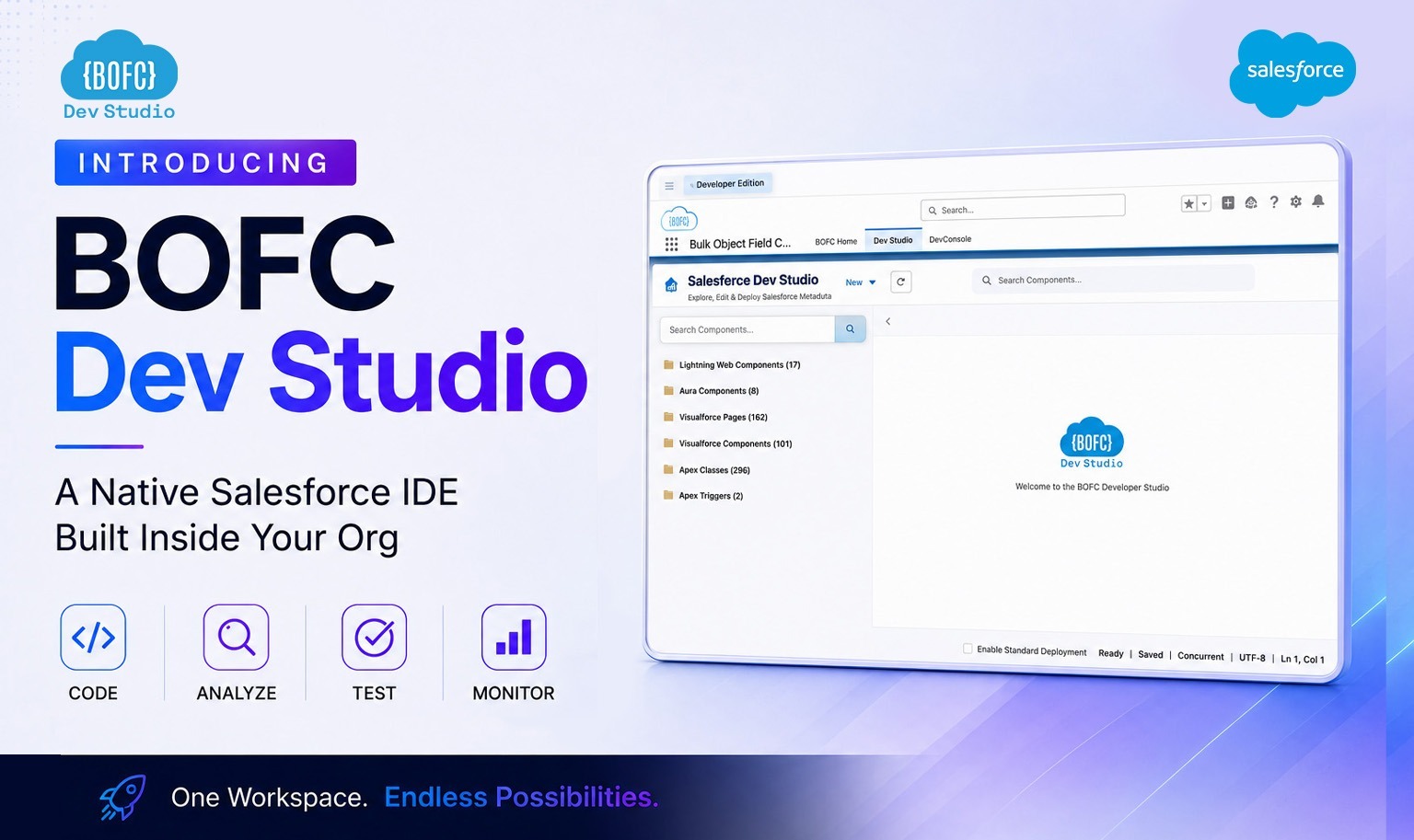
Dev Studio is a fully native code editor built into BOFC. It lets Salesforce developers create, edit, and delete LWC, Aura Components, Apex Classes, Triggers, Visualforce Pages, Visualforce Components, and Static Resources — all from inside their Org, without a separate IDE.
No. Dev Studio ships as part of your existing BOFC installation. Open BOFC and navigate to Dev Studio — there’s nothing new to install or configure.
Yes. Dev Studio is included at no additional cost across every BOFC plan, including the free tier. If BOFC is installed in your Org, Dev Studio is already available.
No. Dev Studio runs entirely within your Org and operates under your existing Salesforce session and security model. There’s no third-party server or external data transfer.
For in-org editing, yes. Dev Studio lets you write and save Apex, LWC, Aura, and Visualforce changes directly to your Org in real time — no local install, no CLI authentication, and no sync cycle to manage.
Changes save directly to your Org as you work. There’s no separate deployment step, no push/pull cycle, and no queue to wait on.
Dev Studio supports the full LWC bundle — HTML, JavaScript, CSS, and the metadata XML — all editable from a single editor.
Yes. Dev Studio supports the full Aura bundle — controller, helper, style, and markup — together in one editor.
Yes. Dev Studio lists every Trigger across your objects in one place, so you can open and edit trigger logic directly without hunting through Setup.
Yes. Both Visualforce Pages and Visualforce Components are supported, searchable in one library — useful for locating and retiring legacy Visualforce that Lightning has replaced.
Yes. Images, JavaScript, CSS, fonts, and ZIP assets are viewable and manageable from one searchable library, making it easy to identify and remove unused resources.
Dev Studio operates within the Org you’re currently authenticated into via BOFC — the same org-based access model used by the rest of BOFC’s features.
Not as such. Dev Studio is built to browse and edit your full codebase — Apex Classes, Triggers, LWC, Aura, Visualforce, and Static Resources — without artificial file limits.
Dev Studio is built for developers working directly with code (Apex, LWC, Aura, Visualforce), so working knowledge of these languages is expected — it’s not an admin point-and-click tool like the rest of BOFC.
Nothing changes. Uninstalling BOFC has no impact on your code — all Apex Classes, Triggers, LWC, Aura Components, Visualforce Pages, and Static Resources remain in your Org exactly as they are. Dev Studio is an editing interface, not a container for your code.
No. BOFC doesn’t attach any namespace or ownership marker to code created or edited through Dev Studio. Anything you write is saved as native, unmanaged code in your Org — indistinguishable from code written any other way.
No. Dev Studio acts purely as a middleware layer — a bridge that gives developers an easier way to work with their Org’s code. It doesn’t own, wrap, or namespace anything you build. The code belongs to your Org, independent of BOFC.
It’s an interface, not a host. Dev Studio doesn’t store a separate copy of your code anywhere — it reads from and writes directly to your Salesforce Org, giving developers a smoother way to work without introducing a new system of record.