How to Manage Validation Rules in Salesforce for Multiple Objects?
Published: Sep 08 2020
Last Updated: Jun 08 2026
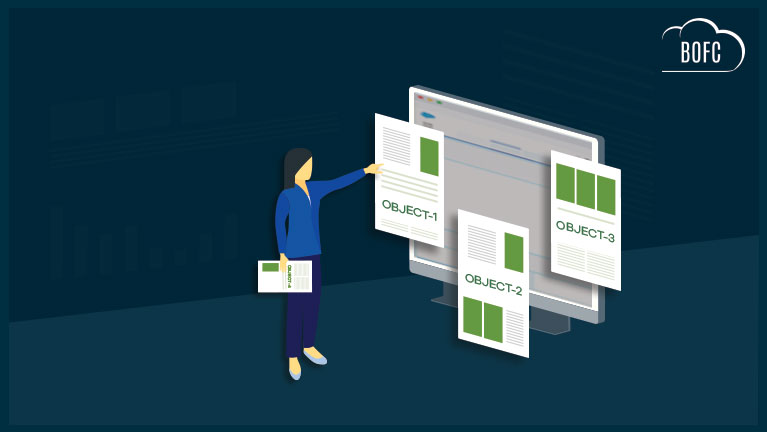
Managing validation rules in Salesforce one object at a time is one of the most repetitive and time-consuming tasks for admins and developers. Whether you’re enforcing data quality across a new rollout, cleaning up legacy rules, or syncing configurations between orgs — the standard Salesforce UI forces you to open each object individually, find each rule, and act on it one by one.
For organizations with dozens of objects and hundreds of rules, that process doesn’t scale.
BOFC (Bulk Object Field Creator) solves this entirely. It lets you manage validation rules in Salesforce across multiple objects simultaneously — create, update, delete, export, and compare — all from a single interface, in just a few clicks.
What Does “Manage Validation Rules” Mean in Salesforce?
Validation rules in Salesforce enforce data integrity by preventing records from being saved when they don’t meet certain criteria. Managing them at scale typically involves:
- Creating new rules across multiple objects at once (e.g., after a new data governance policy)
- Updating existing rules — changing error messages, conditions, or active/inactive status in bulk
- Deleting outdated or redundant rules across objects without navigating each one manually
- Exporting a complete inventory of rules for auditing, documentation, or migration
- Comparing rules between two Salesforce orgs to identify gaps or inconsistencies
Each of these tasks becomes significantly harder as your org grows. BOFC handles all five operations in one place.
The Problem with Salesforce’s Standard Approach
Out of the box, Salesforce requires you to:
- Navigate to Setup → Object Manager
- Select an object
- Go to Validation Rules
- Open and edit each rule individually
If you have 10 objects with 5 rules each, that’s potentially 50 separate actions — per task. There’s no native bulk interface for validation rules in Salesforce.
This is where most admins lose hours every sprint.
How BOFC Lets You Manage Validation Rules in Salesforce — All 5 Operations
BOFC supports all key validation rule operations for both Standard and Custom Objects, across single or multiple objects, in the same session.
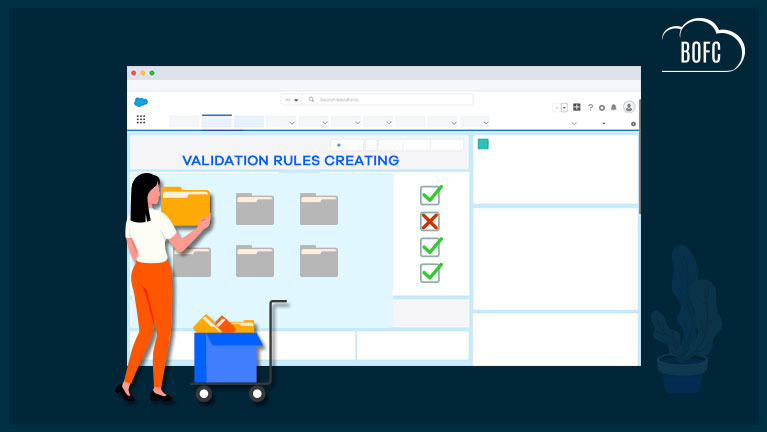
1. Create Validation Rules for Multiple Objects
Need to roll out a new data validation policy across Account, Contact, Opportunity, and custom objects simultaneously? With BOFC, you can define the rule once and apply it across as many objects as needed — without repeating the setup for each.
👉 How to Create Multiple Validation Rules in Salesforce →
2. Update Validation Rules Across Objects in Bulk
Whether you need to change an error message to match a new brand voice, modify a formula condition, or toggle rules active/inactive during a data migration — BOFC lets you update multiple validation rules across multiple objects in one operation.
👉 How to Bulk Update Validation Rules in Salesforce →
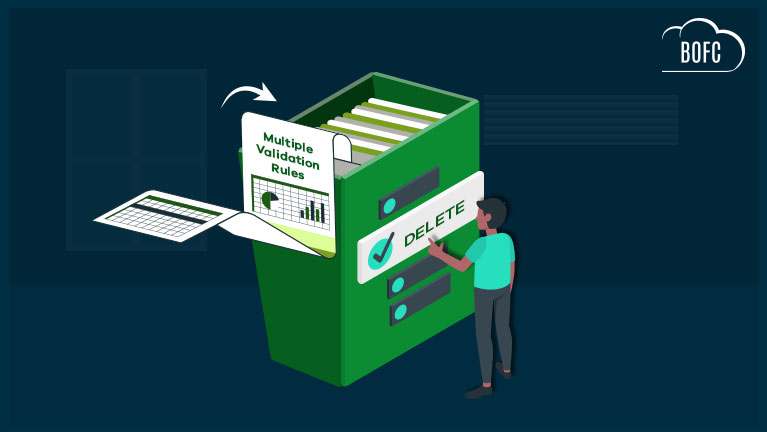
3. Delete Validation Rules for Multiple Objects
Cleaning up deprecated rules after a process redesign? Instead of manually deleting rule by rule from each object, BOFC lets you select and delete multiple validation rules across multiple objects at once.
👉 How to Delete Multiple Validation Rules in Salesforce →
4. Export Validation Rules from Salesforce
Need a full audit of your validation rules for documentation, compliance review, or pre-migration analysis? BOFC lets you export all validation rules — including rule name, formula, error message, and active status — into a structured format for reporting.
👉 How to Export Validation Rules in Salesforce →
5. Compare Validation Rules Across Salesforce Orgs
Working across sandbox and production? Or validating that a newly set up org matches your source of truth? BOFC’s comparison feature lets you see exactly which validation rules exist in one org but not another — so you can identify gaps and act on them.
👉 How to Compare Validation Rules Across Salesforce Orgs →
Key Benefits of BOFC, at a Glance
- Works for both Standard and Custom Objects
- Perform any action on single or multiple validation rules in one operation
- Act on rules across single or multiple objects simultaneously
- Simple, click-based interface — no code required
- Saves hours of manual admin work per task
- Trusted on Salesforce AppExchange with a 4.8/5 rating
Ready to Stop Managing Validation Rules One by One?
BOFC makes it possible to manage all your Salesforce validation rules — across every object, in every direction — in just a few clicks. No more clicking through Setup for hours.