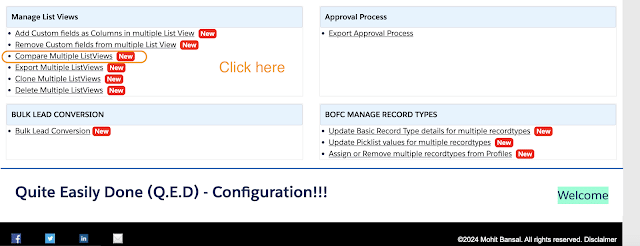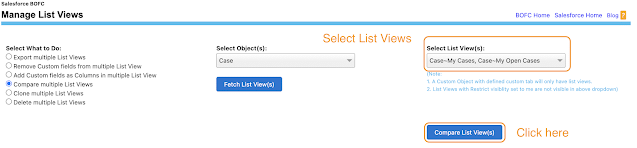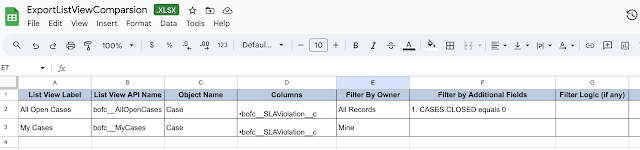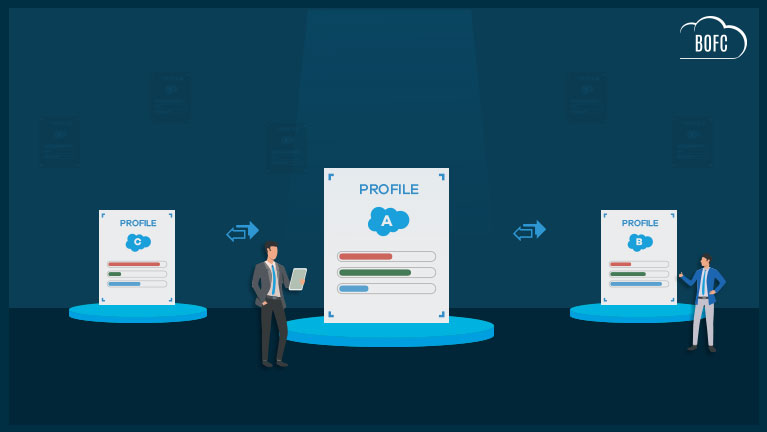
How to compare multiple List Views in salesforce?
Published: Feb 27 2024
Last Updated: Oct 07 2026

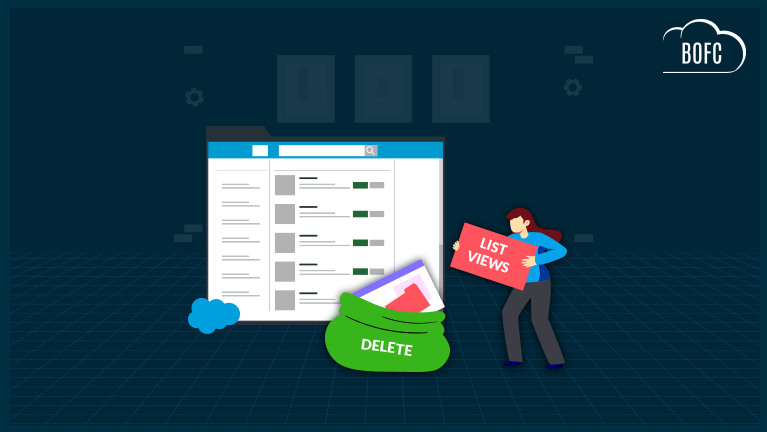
Let’s ask ourselves a few questions about Salesforce Standard List Views:
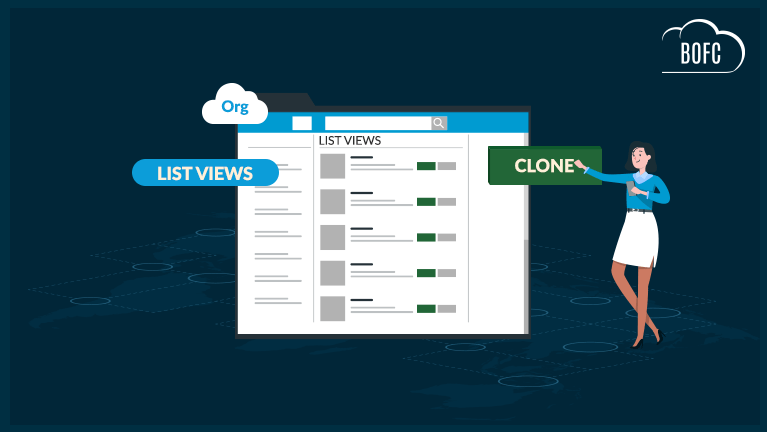
1️⃣ Can we add multiple List Views in a single click?
2️⃣ Can we update multiple List Views at once?
3️⃣ Can we delete multiple List Views in a single click?
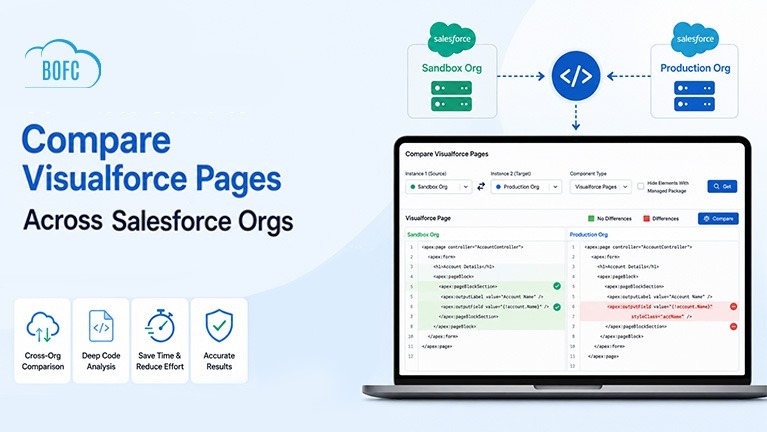
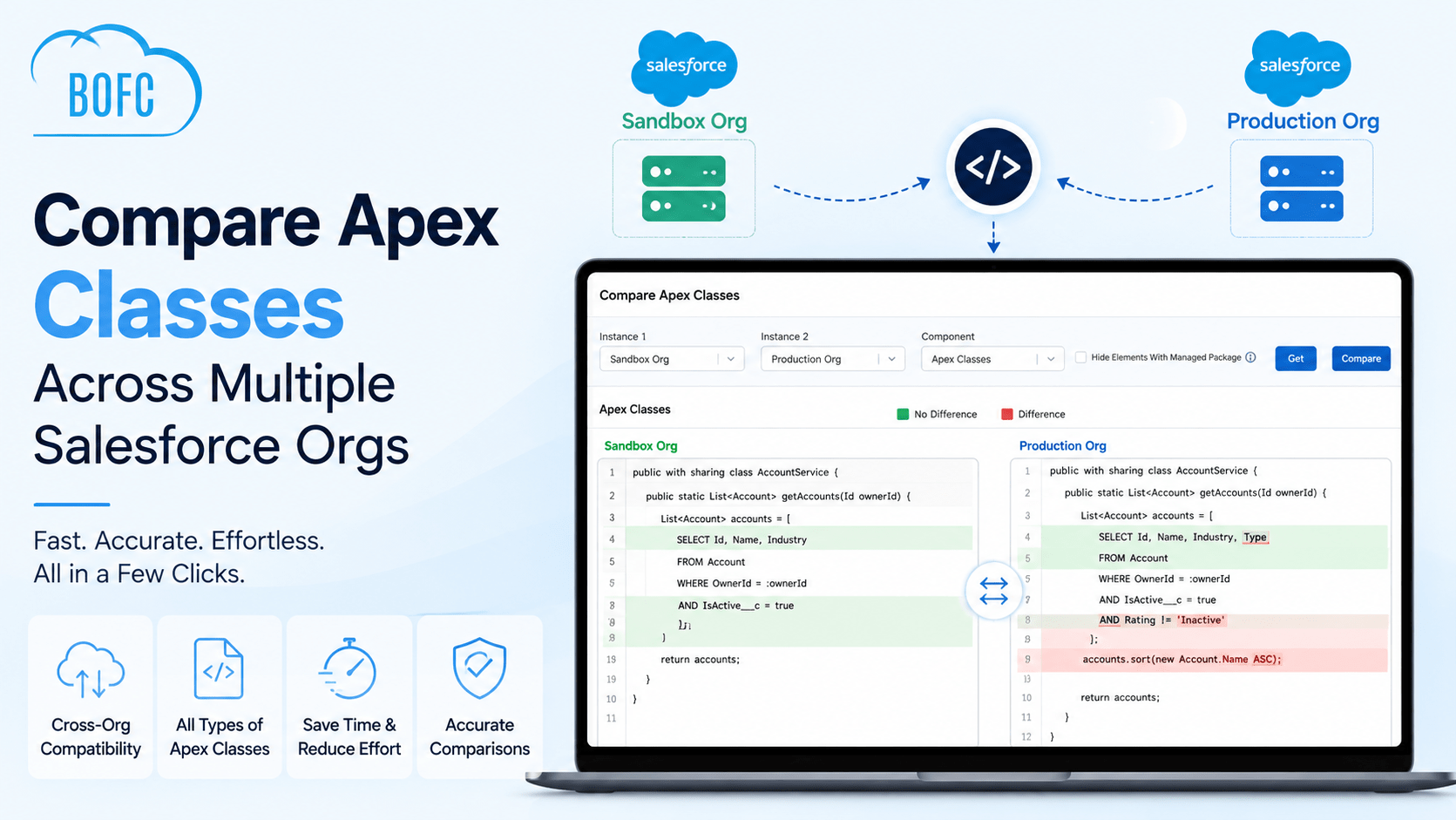
4️⃣ Can we compare multiple List Views in one go?
👉 The answer is a BIG NO. Salesforce standard List Views don’t provide these bulk features.
That means, if an admin has to perform these actions, they must open each List View one by one and repeat the task—wasting valuable time and effort.
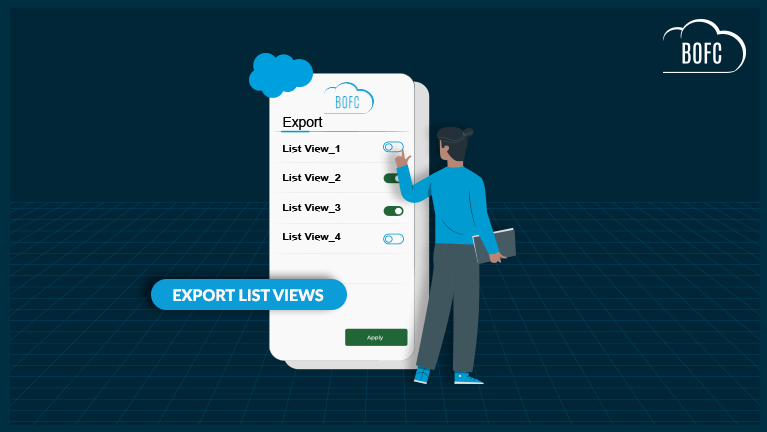
✅ But with our Salesforce AppExchange application Bulk Object Field Creator (BOFC), admins can compare, update, and manage multiple List Views in just a few clicks—saving hours of manual work.
To avail this feature, kindly make sure you have installed the latest version of the application. You can upgrade your package using either of two ways:
- In Salesforce, go to “BOFC Home > Settings > App Version > Click to Upgrade” — or —
- Refer the below button to quickly upgrade your package to the latest version and explore its complete benefits:
Stay up to date with the latest in BOFC - Latest features, offers, news, tips and more