How to Export Picklist Values in Salesforce with BOFC?
Published: Jun 17 2021
Last Updated: Jun 09 2026
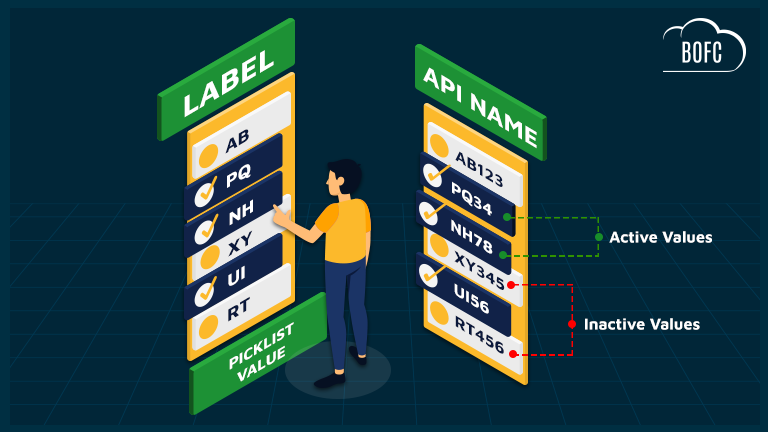
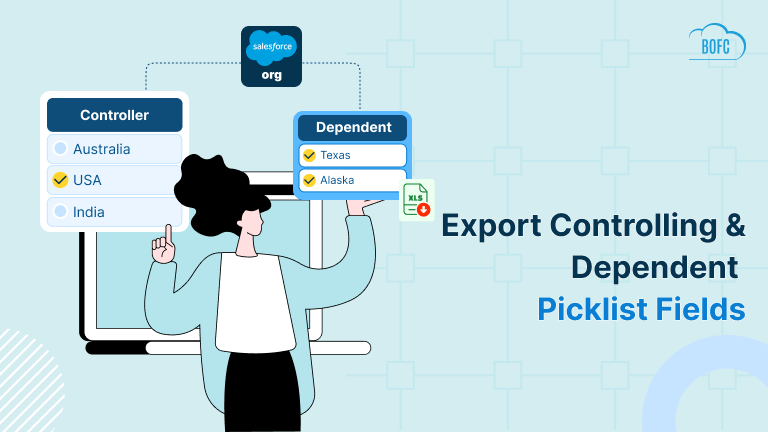
Managing picklist values is a common task for Salesforce Admins and Developers. However, when you need to export picklist values across multiple objects, fields, or global value sets, Salesforce quickly becomes difficult to manage.
Imagine you are preparing for:
- A Salesforce org audit
- Data migration or system integration
- Documentation for business users
- Picklist cleanup and governance
- Record type or value set analysis
Now suppose your org contains hundreds of picklist and multi-picklist fields.
Unfortunately, Salesforce does not provide a native way to bulk export picklist values. Administrators often end up opening each field individually, copying values manually, and pasting them into spreadsheets. This process becomes even more challenging when you need:
- Active and inactive values
- Label and API name mappings
- Values from multiple objects
- Global Value Sets
- Multi-select picklists
For large Salesforce orgs, this can consume hours of manual effort and increase the risk of missing or outdated information.
Why Exporting Picklist Values in Salesforce Is Difficult?
Although Salesforce provides tools to manage picklist values, there is no built-in feature to export picklist values across multiple fields at once.
Common challenges include:
- No bulk export functionality
- Manual navigation through field definitions
- Difficulty documenting Global Value Sets
- Time-consuming audits and compliance reviews
- Increased chances of human error
Even Salesforce’s bulk picklist management capabilities focus on updating values, not exporting them for reporting or documentation purposes.
The Easy Way to Export Picklist Values in Salesforce
BOFC (Bulk Object Field Creator) eliminates the manual work involved in exporting picklist values.
Using BOFC, Salesforce administrators can export picklist values from multiple fields and objects in just a few clicks.
The exported file includes:
- Picklist Label
- API Name
- Active/Inactive Status
- Picklist Fields
- Multi-Picklist Fields
- Global Value Sets
No coding. No manual copy-paste work. No opening hundreds of fields one by one.
To avail this feature, kindly make sure you have installed the latest version of the application. You can upgrade your package using either of two ways:
- In Salesforce, go to “BOFC Home > Settings > App Version > Click to Upgrade” — or —
- Refer the below button to quickly upgrade your package to the latest version and explore its complete benefits:
Stay up to date with the latest in BOFC - Latest features, offers, news, tips and more
Steps to Export Picklist Values in Salesforce with BOFC:
Step 1. Open the BOFC Home > Click “Export Picklist Values for multiple fields”
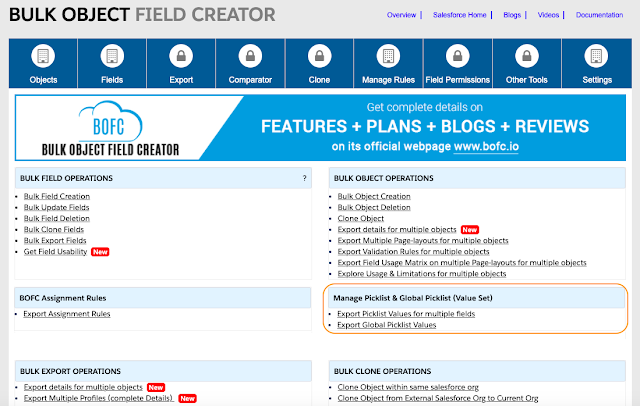
Step 2. It will open below screen

User can export “Active or Inactive” picklist values for different type of metadata:
-
- Picklist / Multi-select Picklist Fields
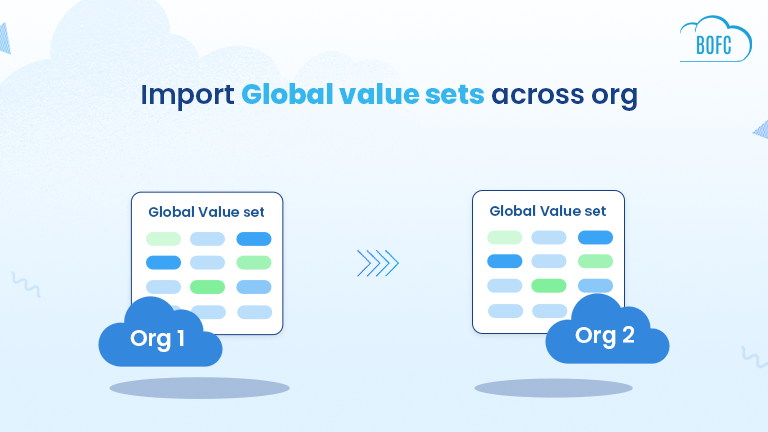
- Picklist ValueSet or Global Value Set
Step 3. Select “Export Picklist” and select the type of picklist values to export (Active or Inactive or Both)

Step 4. Select single or multiple objects for which picklist fields needs to be exported

Click on “Fetch All Picklist Field(s)” button.
Step 5. Select Single or Multiple Picklist or Multi-Picklist fields for which values needs to be exported

Finally we are ready with all the configuration and ready to initiate the process to Export.
Click on “Export Details” button.
Step 6. Once this blue button of “Export Details” is clicked, it will open a small section for Export Status.
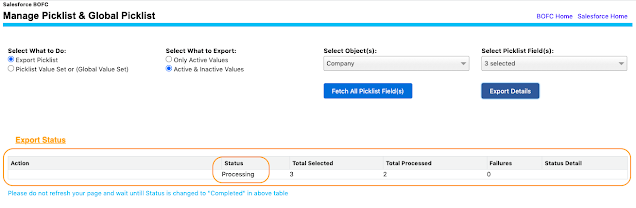
Just wait for few seconds for the processing to complete. Once the processing is completed, it will update the status to “Completed” and it will enable the “Download” link as highlighted in below image.
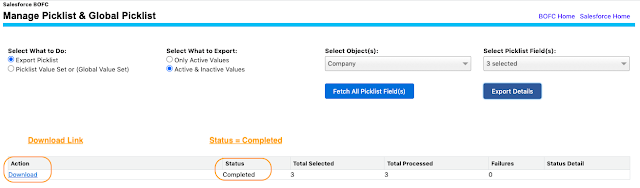
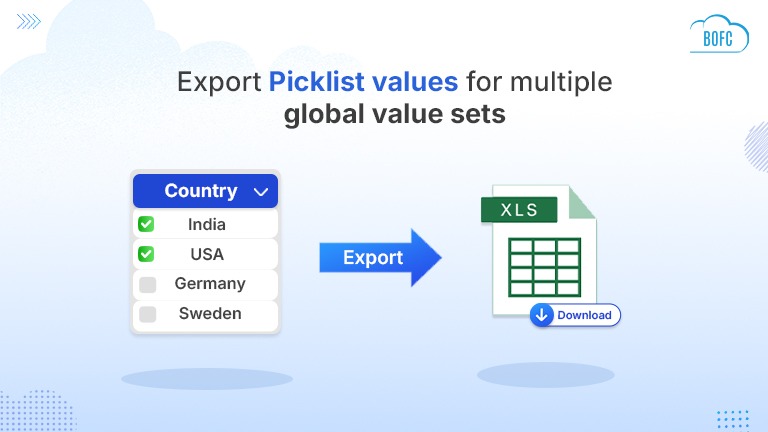
Click on the “Download” link and it will export the XLS file with all the picklist values for the selected fields.
Benefits of Using BOFC
- Save hours of manual effort
- Improve documentation accuracy
- Simplify Salesforce audits
- Accelerate migration projects
- Reduce administrative workload
- Improve metadata governance
Whether you’re managing a small Salesforce implementation or an enterprise org with thousands of fields, BOFC helps streamline picklist value management.
Conclusion
If you’re looking for a faster way to export picklist values in Salesforce, BOFC provides a simple and scalable solution. Instead of manually opening hundreds of fields, you can export picklist values, multi-picklist values, and global value sets in a few clicks, saving time while improving accuracy and productivity.