Looking for a Salesforce Metadata Export Tool?
Published: Jul 22 2021
Last Updated: Oct 08 2026

Are you still exporting your metadata the traditional way? Don’t you think that opening every field, object, or process builder and then copying them one by one is a tedious & monotonous task? We mean, all you’re doing is just carrying out the same process on repeat which requires no expertise. And what if you have to copy 1000 fields or any other form of metadata? Are you planning to do that the same way? Imagine all the amazing ways in which you could rather utilize this time & actually create an impact with your work. Let’s turn your imagination into reality. Here’s Bulk Object Field Creator (BOFC), the world’s #1 tool for Salesforce Metadata operations.
With BOFC, you can save a massive amount of your time by exporting or extracting Salesforce metadata in bulk in just one go. No need for tedious & monotonous procedures anymore.
Let’s explore the key reasons for extracting/exporting Salesforce metadata and how BOFC helps.
1) Finding & Updating A Custom Label Details
#Challenge: In Salesforce, the multiple Validation Rules, Workflow Rules, Profiles, Permission Sets, Email Templates, Field Sets, Static Resources & Users support custom labels. In order to find & update a custom label, you will need to browse through multiple pages, especially when you have defined 1000s of custom labels in your org. The other option is to query in the developer console or run a script in an anonymous window. All this takes a lot of time, effort & clicks.
#BOFC Solution: With BOFC, you can download all your metadata in XLS format & enjoy the ease of finding metadata from an organized table format. You do not have to browse through multiple pages to find & update a custom label.
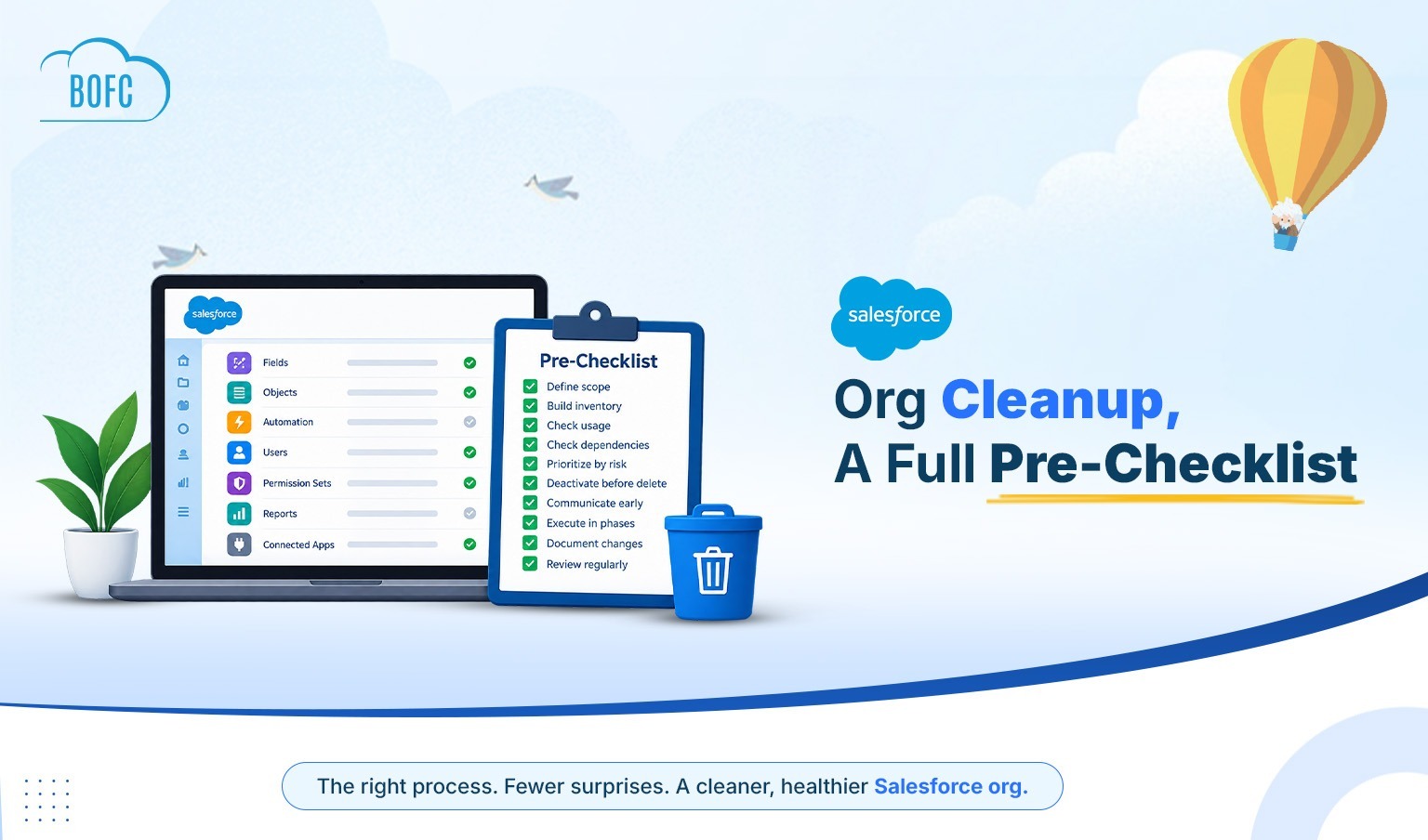
2) Reviewing Bulk Metadata for Salesforce Org Optimization
#Challenge: When you are migrating to a new Salesforce org or optimizing your existing one, you will need to review your metadata in order to determine what is to be retained and what is to be deleted. Each field, object, etc. contains further details, and to review, you need to open all of them one by one manually.
#BOFC Solution: With BOFC, you can download your Salesforce metadata of fields, layouts, record types, etc. in an XLS sheet. Now you can view the details in one place & make insightful decisions to optimize your org.
3) Updating Metadata in Salesforce in Bulk
#Challenge: The Salesforce standard process only allows updating one metadata in one go. This can be a tedious & time taking process for Salesforce admins & developers.
#BOFC Solution: With BOFC, while reviewing your metadata in an XLS format (as explained in the previous point), you can also update it there. Once you’ve updated all the details in your XLS sheet, all you need to do is upload it with just one click using this application.
What BOFC User Says?
“We are currently going through the process of merging two Salesforce instances into one and the BOFC App has helped tremendously when having to evaluate hundreds of old fields to determine which ones will be kept in the new instance and which ones are no longer needed. Being able to extract all of the field data into spreadsheets has made this process much smoother.
Recently, we also needed to clean up objects and separate fields into multiple custom objects to improve processes. Creating hundreds of fields manually would have made this task impossible. It’s so nice to be able to create all these fields in excel and upload seamlessly to Salesforce using this app.”
By – M Bo
CONCLUSION
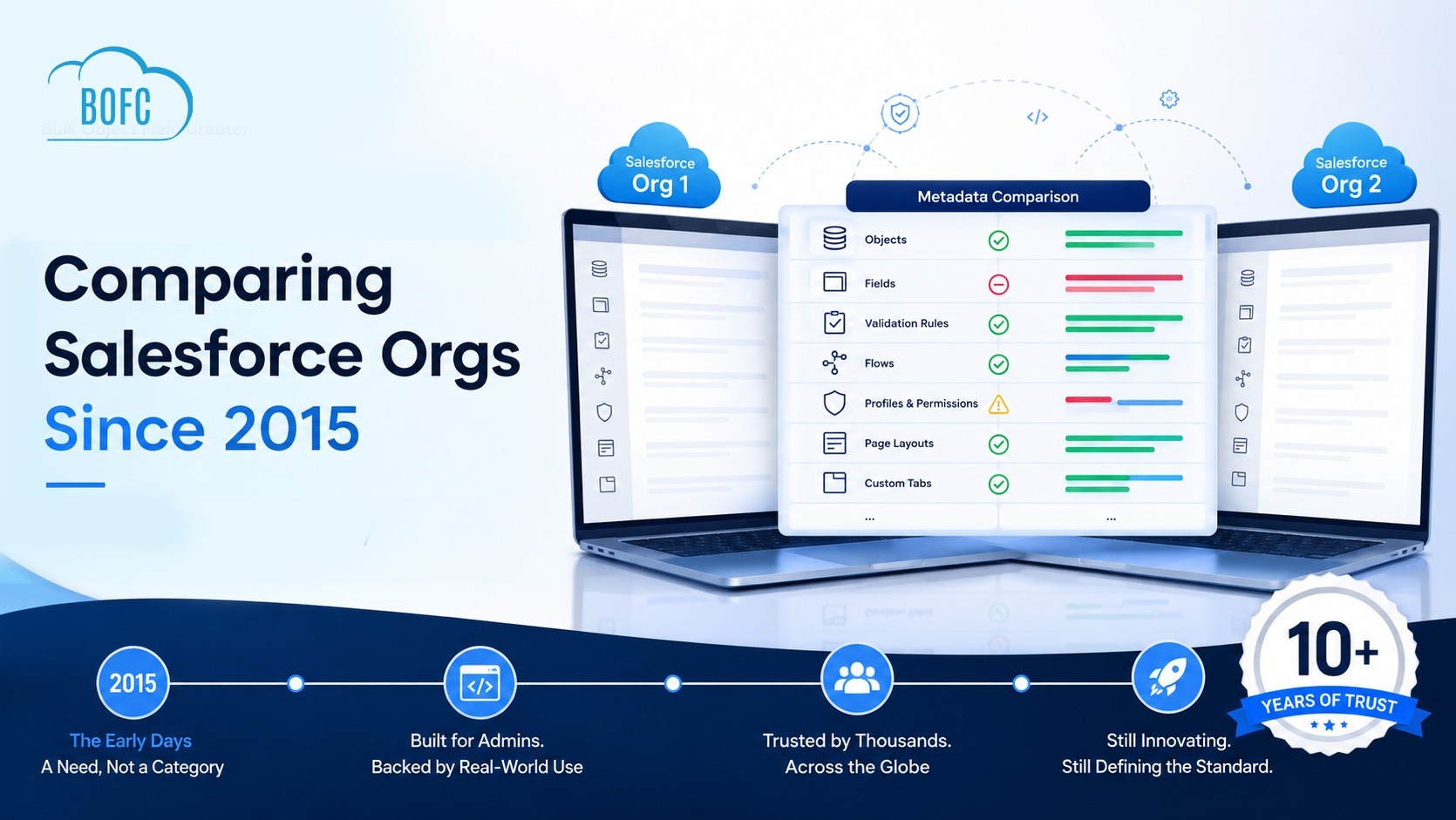
BOFC is a powerful tool that is here to revolutionize your Salesforce experience. Not only can you export your metadata to save time and make insightful decisions, but you can also create 1000s of new fields, compare metadata across orgs, and much more. All this is backed by super friendly support by Salesforce experts who are here to help you at every step. For more details about this amazing app, you can fill in your query at https://bofc.io/#contact & we will get back to you soon.